Halloween AI prompts
Halloween AI prompts you can copy
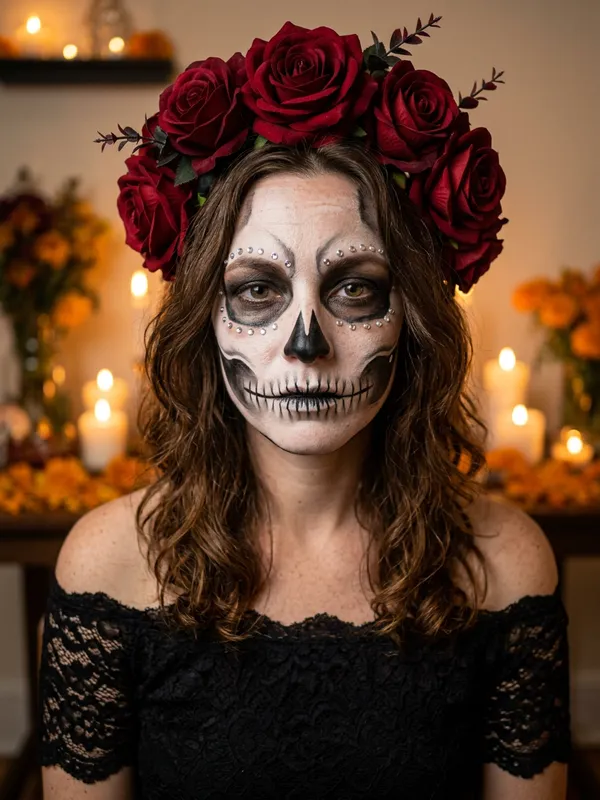
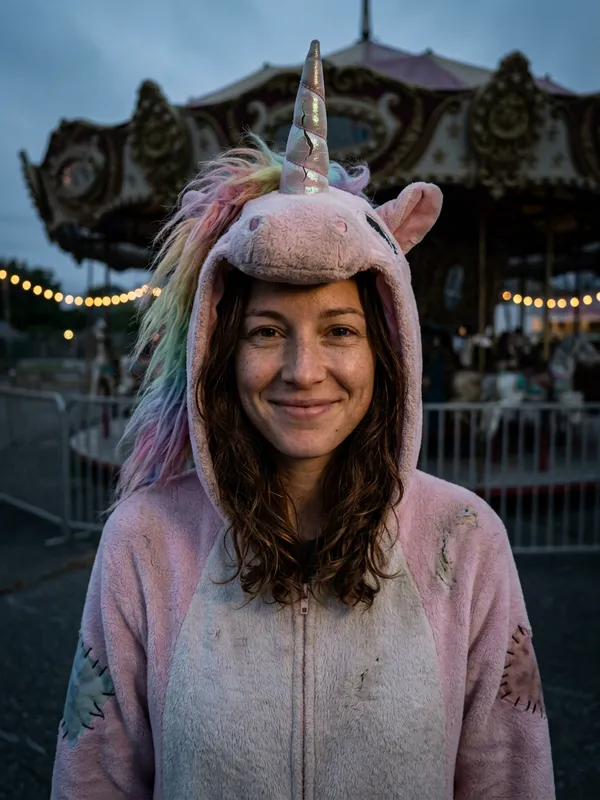
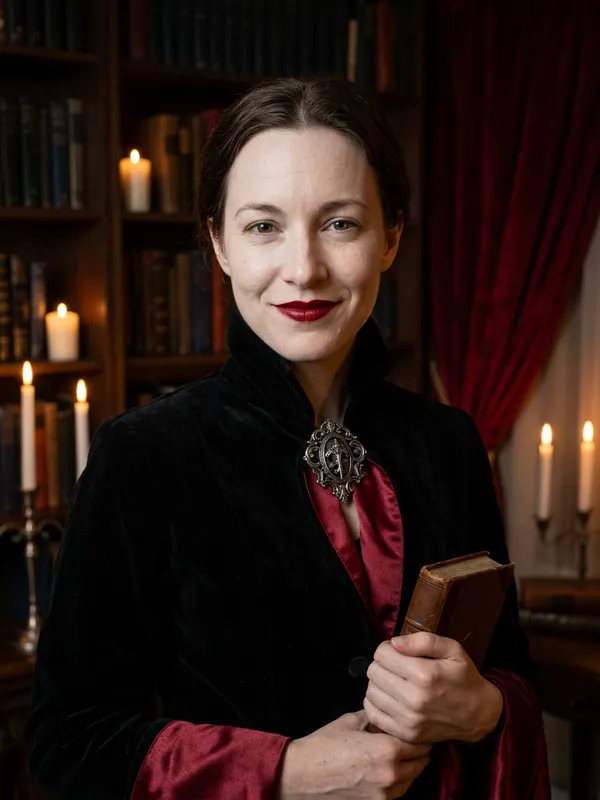
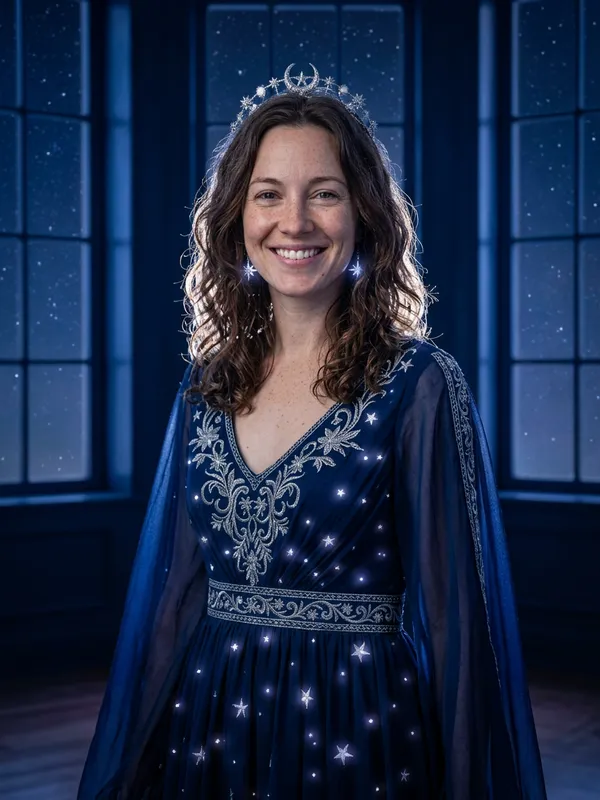
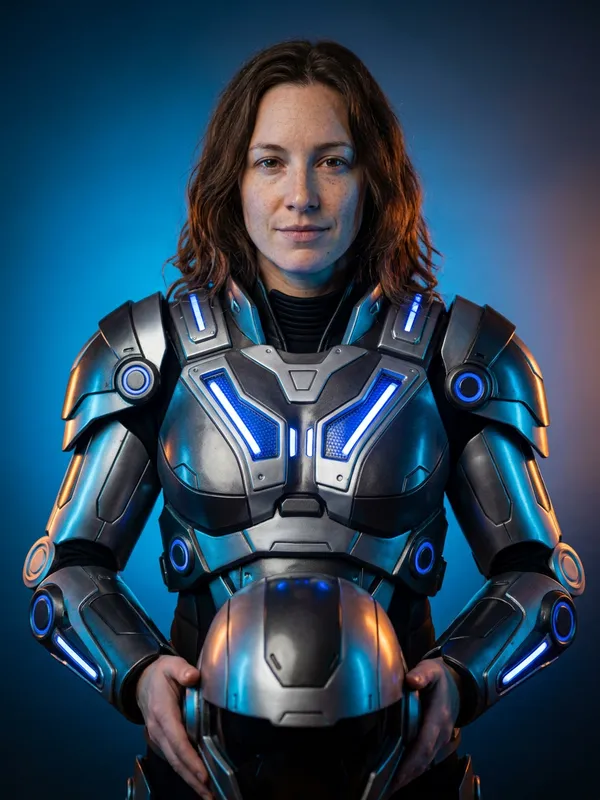
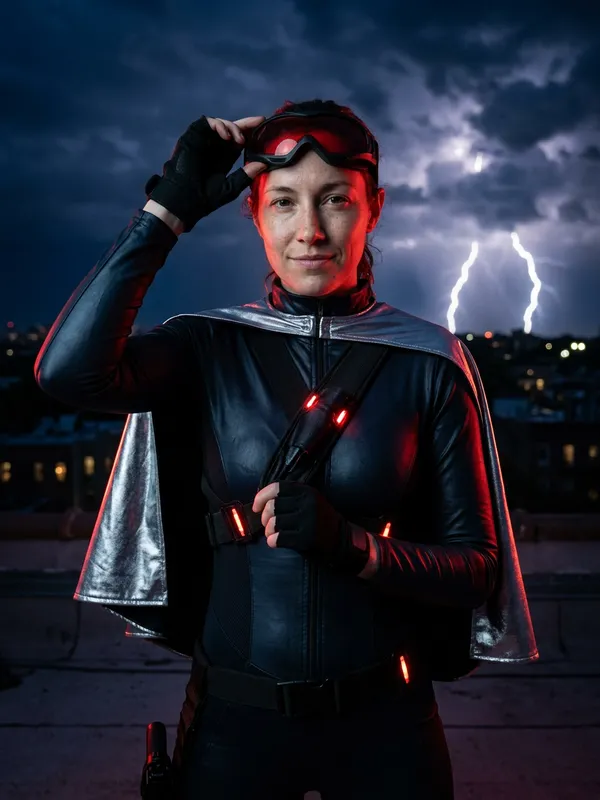
Every prompt below is the one this site really sends to the image model, next to the result it makes. Copy it into any image editor that accepts a photo, or press the button to run it on your own photo here.
Your photo+One look prompt+One portrait=Your Halloween AI portrait
Every look on this page comes with the prompt it was made from, so you can copy it as it is. This guide explains how Halloween AI prompts are built, how to adapt them to your own photo, and what to do when a result comes back wrong. Halloween AI prompts look long, but they follow one simple pattern, and most changes only touch one part of it.
Halloween AI prompts: the three parts
Each prompt we use has three parts, and you should keep them in this order when you write your own Halloween AI prompts.
| Part | What it does | Example from our prompts |
|---|
| 1. Keep-identity opening | Names the photo as the reference and says what must not change | "Use the uploaded photo as the primary reference." |
| 2. Look description | Says what changes: hair, clothing, place and light | "Transform the subject into an original gothic Halloween fashion portrait." |
| 3. Avoid list | Names the failures to block | "Avoid altered facial identity, extra limbs, duplicated fingers, distorted anatomy, text, logos and watermarks." |
Every one of our Halloween AI prompts for people uses the same opening and avoid list. The middle part, the look description, is the only part that changes from one look to the next. That is why you can swap one sentence and keep the rest of the prompt intact.
Why the opening line matters
Think of the opening as the brake. The look description asks the model to change things, and the opening asks it to stop before the face changes too much. The opening names the uploaded photo as the primary reference and asks the model to preserve recognizable facial identity, facial proportions, skin tone, approximate age and natural anatomy. It also says to keep exactly one subject.
When you write your own version, keep the identity sentence almost word for word. Rewriting it is the easiest way to lose the person in the result.
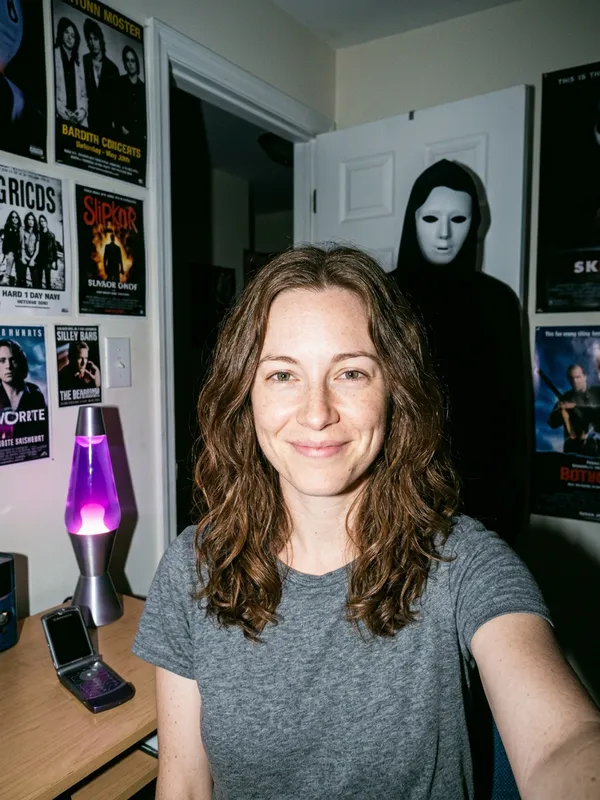
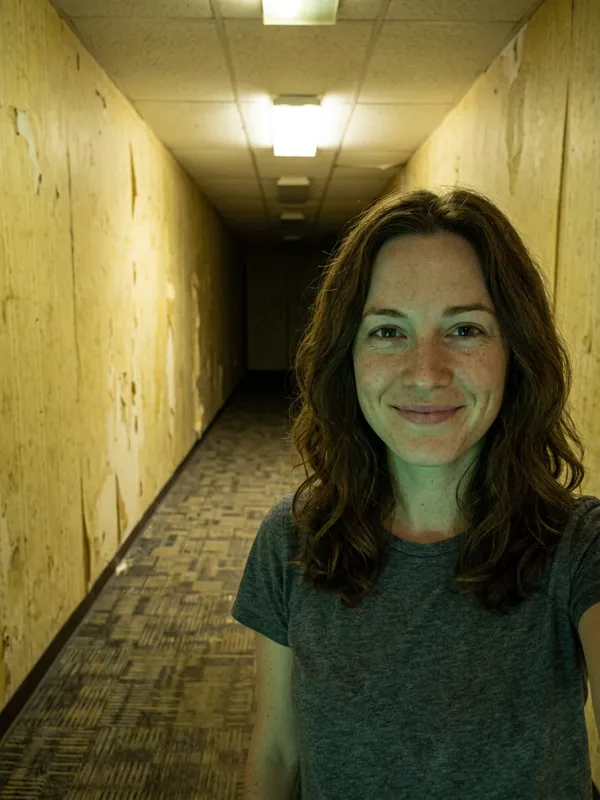
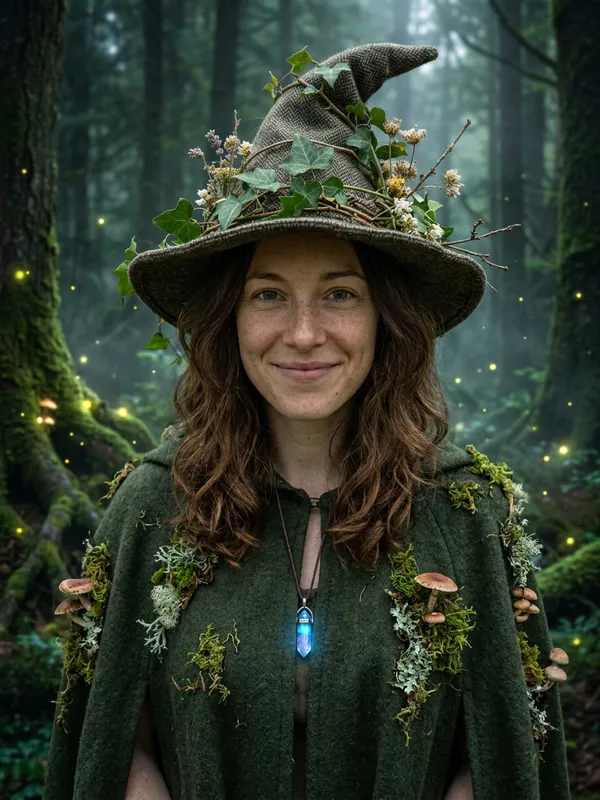
In our own test we ran all 13 looks once each. The inputs were one AI-generated selfie of a woman, one golden retriever photo for the pet looks, and two AI-generated selfies, a man and a woman, for the couple look. By eye, every person and pet stayed recognizable. This is a small sample, one run per look, and other photos may give different results.
Change hair, outfit, background and lighting
Most adaptations of Halloween AI prompts are swaps inside the look description. Find the sentence that covers the thing you want to change, replace the words, and leave the opening and the avoid list alone. The table below shows where to look, with a starting phrase taken from the Midnight Braids prompt.
| You want to change | Edit this sentence | Starting phrase from the Midnight Braids prompt |
|---|
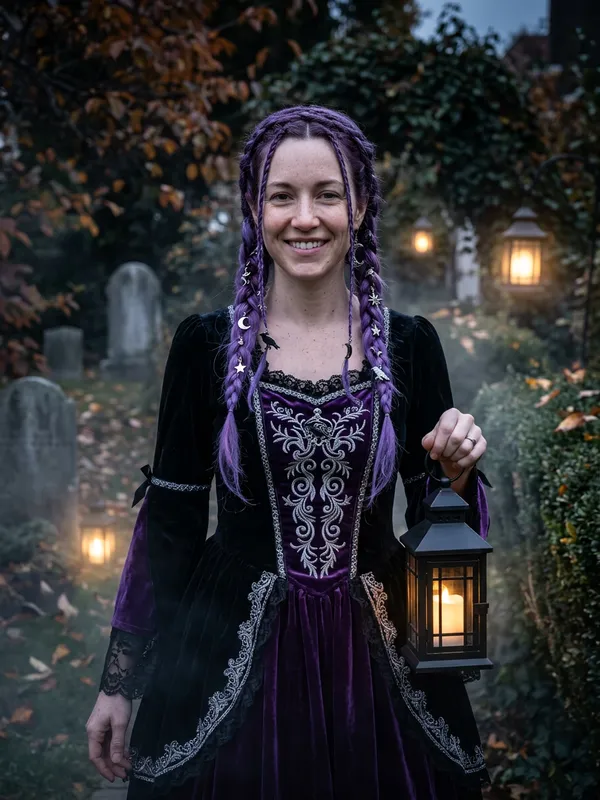
| Hair | The hairstyle sentence | "Change the hairstyle into long violet braids" |
| Outfit | The clothing sentence | "Replace the clothing with an elegant black-and-purple velvet outfit" |
| Background | The place sentence | "Place the subject in a moonlit Victorian garden with soft fog" |
| Lighting and finish | The last sentence | "cinematic soft lighting" |
Keep each change to one clear idea per sentence. A long list of hair, jewelry and fabric details gives the model more to juggle, and that is when the result drifts.
The finish lives in the last sentence. The Midnight Braids prompt ends with "Photorealistic editorial photography, realistic fabric textures, cinematic soft lighting." That phrase tells the model you want a photograph rather than a painting or a cartoon, which is why we keep it in the look descriptions. If you want a stylized result, remove or change it. Our tests are a small sample, so treat this line as a starting point rather than a rule.
Pets, couples and single portraits
The same structure works in Halloween AI prompts for pets and couples, with a few edits.
| Subject | Keep in the prompt | Watch for in the result |
|---|
| Yourself | The full identity opening and "Keep exactly one subject." | Hoods and hats that hide the hair |
| Pet | The animal's coat and markings, in place of human features | Costume covering the eyes, or a hood covering the face |
| Couple | Two photos, and a line that names both people | A third person, or one face that drifts |
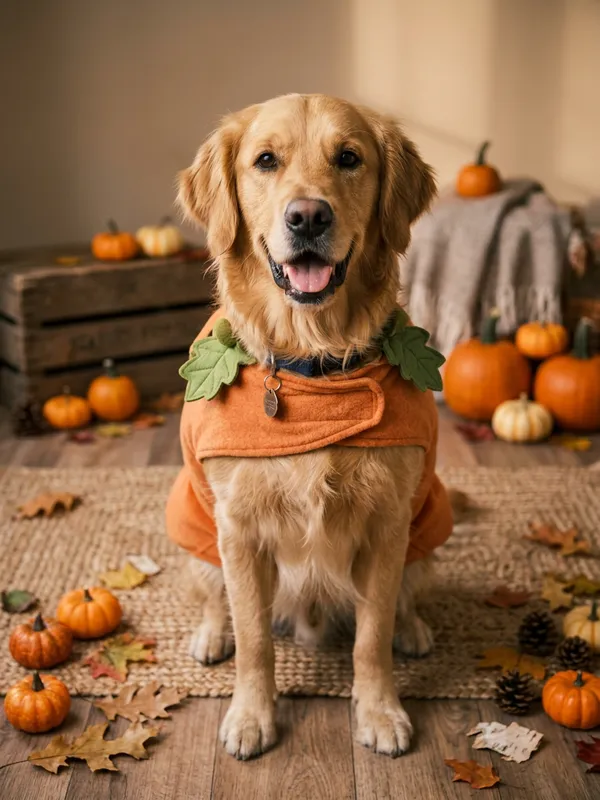
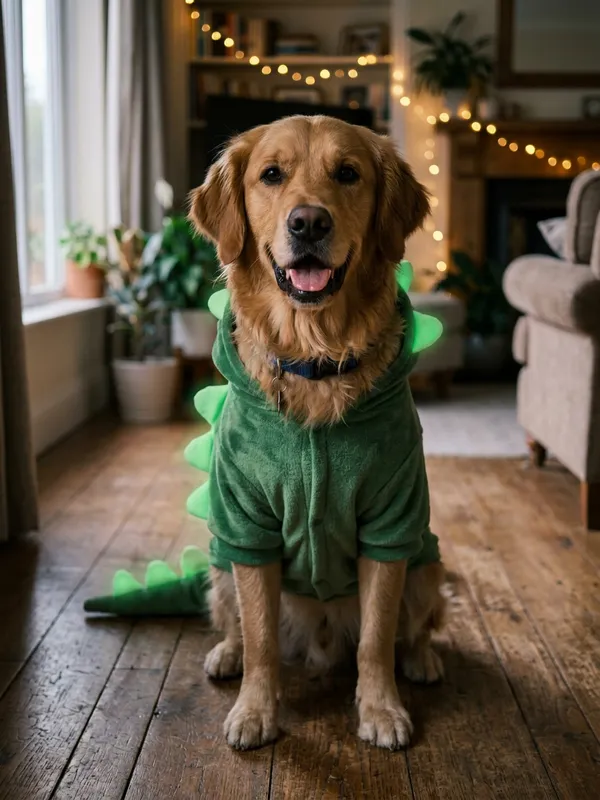
Our two pet looks were tested with a golden retriever. In the Pumpkin Pet test with a golden retriever, the eyes were not covered. In Glow Dino Pet, the costume hood left the whole face visible. For a pet, describe the coat and markings in the opening, so the model knows what has to stay the same. For more pet looks, see the pet Halloween costume page.
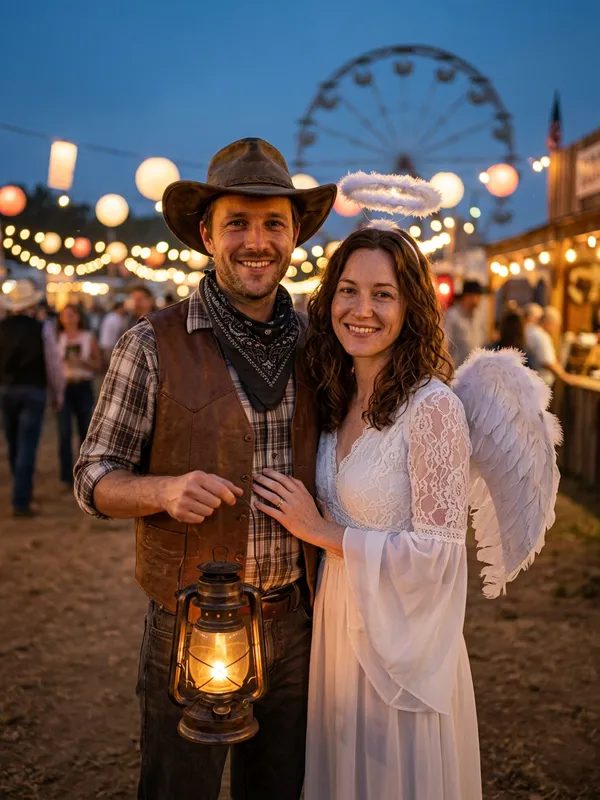
For two people, the line that says keep exactly one subject has to change. Name both people in the opening and say that the picture contains exactly two people. Our Cowboy & Angel test used two photos, and both faces stayed recognizable with two people in the frame. If you are writing a couple prompt, ask for the same thing. The couple Halloween costume page covers the couple looks.
When the result is wrong
Do not start by rewriting the whole prompt. Most Halloween AI prompts that fail only need one sentence changed. Work through three steps in order. First, compare the result with your original photo, side by side, and note what changed. Second, generate again with the same photo and the same prompt, because one run can be off and a second run shows whether the problem repeats. Third, if it repeats, simplify: remove one detail from the look description and run again.
| Problem | Likely cause | What to do |
|---|
| The face looks like someone else | The identity opening was weakened or the look pushes too hard | Restore the identity sentence word for word, then generate again |
| Hands, fingers or props look wrong | Hands and small accessories are where AI images most often go wrong | Remove the prop or simplify it, then generate again |
| Hair is hidden | A hood or hat covers it | Pick a look with less headwear, or accept that the hair may be hidden |
| Background takes over | Too many scene details | Keep one or two background elements and generate again |
| Extra text or a logo appears | The avoid list was shortened or removed | Put the full avoid list back, then generate again |
| Backrooms glow is too faint | The glow is subtle in our tests | Describe the glow more strongly in the look description and compare |
Hands, small accessories and hoods or hats are the usual weak spots. If a generation fails or the safety check blocks it, the credit comes back to your account, so a failed try does not cost you a credit. Credits never expire, and you can see the packs on the pricing page.
Using these prompts in Gemini or another editor
You can paste these prompts into any image editor that accepts a photo, including Gemini. People who search for halloween ai prompts, or for prompts for Gemini AI Halloween, usually want the same thing: upload a selfie and paste a prompt. Community reports describe creators on TikTok doing this too. Keep your own photo as the reference, paste the three parts in order, and expect the output to vary.
Results depend on the model. The same prompt can look different from one tool to the next, so check each result against your photo before you share it. Our tool runs on Google's Nano Banana 2 image model. For how Google's image models take a text prompt and a photo, read the Gemini API image generation docs.
The prompts on this page are a starting point for your own Halloween AI prompts, not a fixed recipe. When you are ready to try a look with our tool, start from the costume generator or the home page. Each generation uses one credit, and finished PNG files can be downloaded for 14 days, so save the one you want.